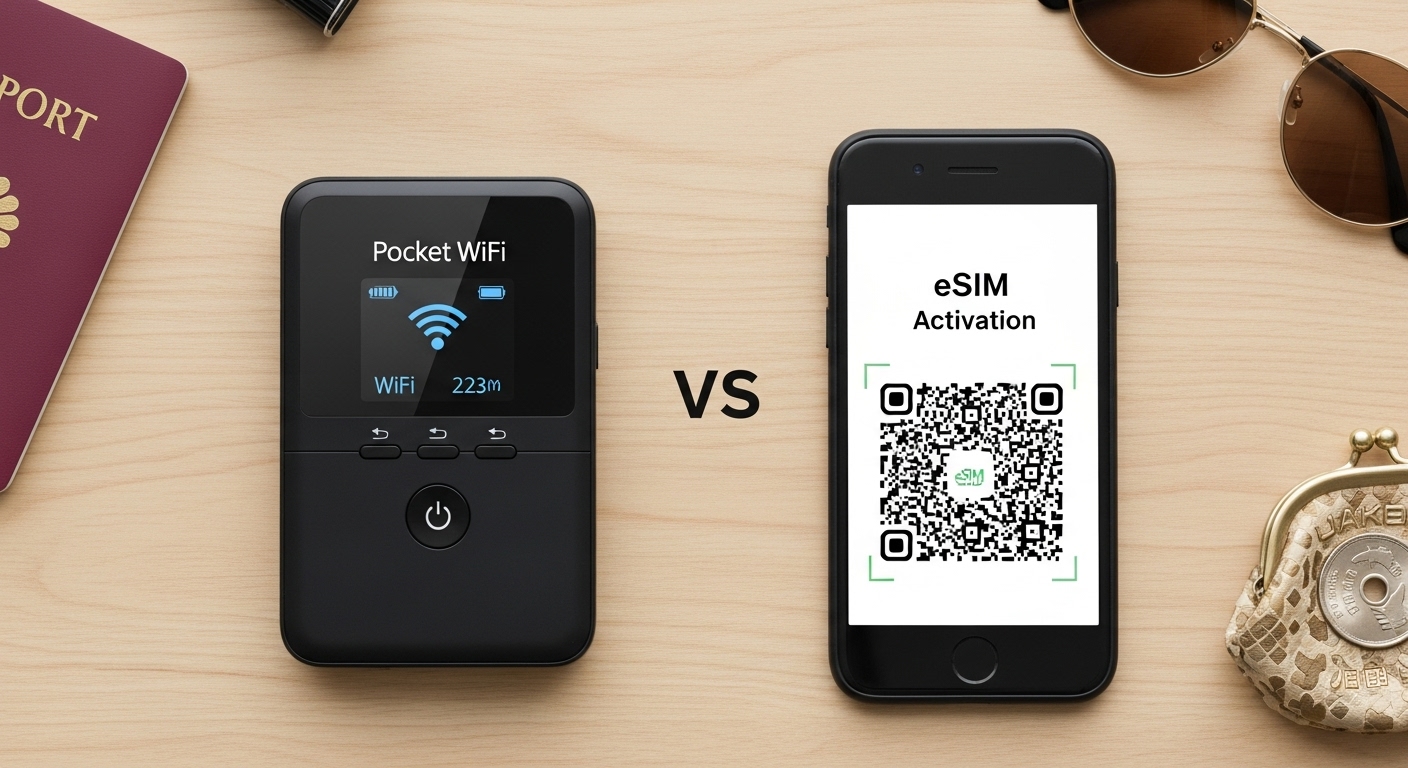
How to Stay Online in Japan: eSIM, Pocket WiFi, or SIM Card? (Stop Paying for Roaming!)
Let’s be real. You are going to be lost in Japan. It’s part of the fun. But being lost without internet? That is not fun. That is a nightmare.
You need Google Maps to find trains. You need Google Translate to read menus. You need Instagram to make your friends jealous.
Most tourists make one of two mistakes:
- They rely on “Free WiFi” (Spoiler: It’s not great).
- They pay their home carrier $10/day for roaming (Spoiler: You are throwing money away).
As your friend, I’m here to save you money and keep you connected. Here are the three real options for 2025, ranked.
Option 1: The New King – “eSIM” (Best for Solo/Couples)
If you have a somewhat new phone (iPhone XS or newer, most new Androids), this is the winner.
- What it is: A digital SIM card. No physical card to swap. No tiny plastic bits to lose.
- How it works: You buy it online before you leave home (apps like Airalo or Ubigi are popular). You scan a QR code. Boom. When you land in Japan, it activates instantly.
- The Cost: Super cheap. Around $10-$20 for 10GB of data.
- The Verdict: HIGHLY RECOMMENDED. It’s the easiest, cheapest, and most stress-free option.
Option 2: The Classic – “Pocket WiFi” (Best for Groups/Families)
If you are traveling with a group of friends or family, or if you have multiple devices (laptop, iPad, phone), this is your best bet.
- What it is: A small portable router that fits in your pocket. It creates a personal WiFi hotspot.
- How it works: You rent it online beforehand and pick it up at the airport counter (Narita/Haneda) upon arrival. You drop it in a mailbox when you leave.
- The Cost: About $4-$8 per day (unlimited data).
- The Catch: You have to charge it every night. You have to carry it. And if the group splits up, the person without the router has zero internet.
- The Verdict: Perfect for families sharing one budget.
Option 3: The Old School – “Physical SIM Card”
This is for people with older phones that don’t support eSIMs, or solo travelers who don’t want to carry a router.
- How it works: You buy a physical card (at the airport or Bic Camera electronics stores). You use a tiny pin to pop out your home SIM and put in the Japan one.
- The Catch: You might lose your home SIM (it’s tiny!). Also, your phone must be “Unlocked” (sim-free). If your phone is locked to your home carrier (AT&T, Verizon, etc.), this won’t work.
- The Verdict: Good backup plan, but eSIM is easier.
Wait, what about “Free WiFi”?
You might be thinking: “Can’t I just use the free WiFi at Starbucks and stations?”
My honest advice: NO.
- It’s Spotty: It works in the station, but cuts off the second you walk out.
- It’s Complicated: Many networks require cumbersome logins or email registrations every time.
- It’s Slow: Navigating a map while waiting for a slow connection is frustrating.
Japan is not like some countries where free open WiFi covers the whole city. Do not rely on it as your primary source.
Summary: Your Connection Strategy
- Check your phone: Is it eSIM compatible? Is it unlocked?
- Solo/Couple? Download an eSIM app (like Ubigi or Airalo) before you fly. Setup takes 5 minutes.
- Family/Group? Reserve a Pocket WiFi (Ninja WiFi or Sakura Mobile are common brands) to pick up at the airport.
- Avoid Roaming: Turn off “Data Roaming” on your primary SIM to avoid a scary bill when you get home.
Now that you’re connected, you can pull up Google Maps, find the best Ramen shop near you, and maybe even book one of our tours while you’re walking there.
Stay connected, friends!